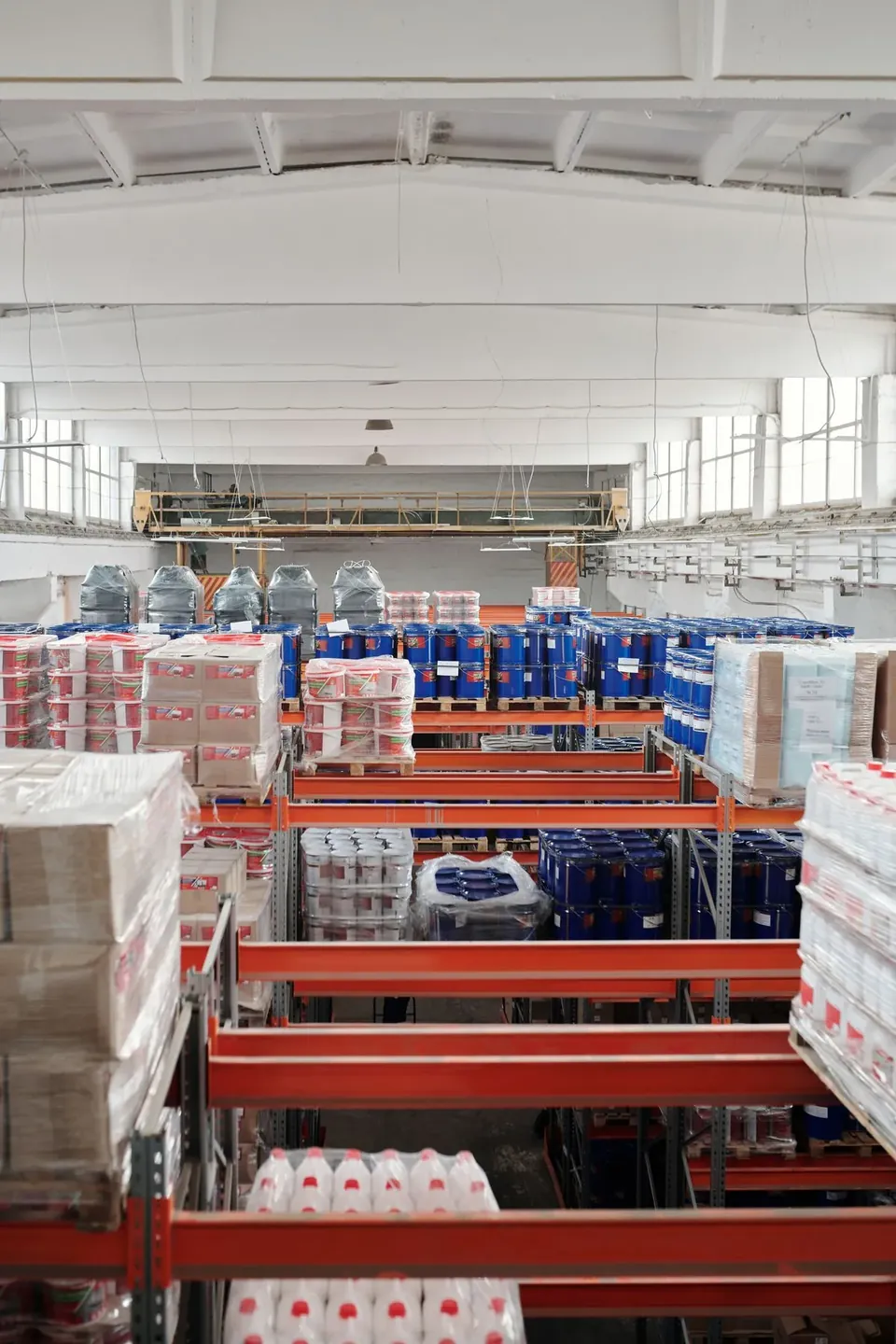
- New stores typically get about 500 units of initial storage capacity — do not plan a full container.
- Send 50-100 units per SKU as a test batch and let real data decide.
- Restock the winners aggressively: inventory is a cost, not comfort.
Know your new-store storage limit
Amazon typically gives new stores around 500 units of initial storage capacity, with an even smaller allowance per ASIN. Factory owners often want to ship a full container at once, but a new listing has no reviews, no ranking and no conversion data — pushing a large inventory in early puts all the risk on you.
Think of the first shipment as an experiment, not as stocking a warehouse. Ship less, learn faster, adjust cheaper.
The rhythm: test → verify → restock
Start with 50-100 units per SKU — enough to cover listing, early reviews and ad testing.
Watch three metrics in the first 2-4 weeks: click-through rate, conversion rate and return rate.
Restock the SKUs that show stable conversion; stop spending on the ones that do not.
Three common mistakes
Mistake one: applying domestic wholesale habits — hundreds or thousands of units at once, which become dead stock if sales stall.
Mistake two: over-ordering out of fear of stockouts. A stockout costs ranking; overstocking costs cash flow and storage fees. For factories, the latter is usually more deadly.
Mistake three: shipping a full container to dilute freight cost. The freight saved never offsets the storage fees and capital tied up in slow-moving inventory.
Two ways to expand capacity
If the test works and capacity is tight, apply for a limit increase and manage your Inventory Performance Index (IPI); submit shipment plans early before peak seasons.
Work with your factory on a small-batch, fast-replenishment mechanism. Being able to restock quickly matters more than shipping big once.